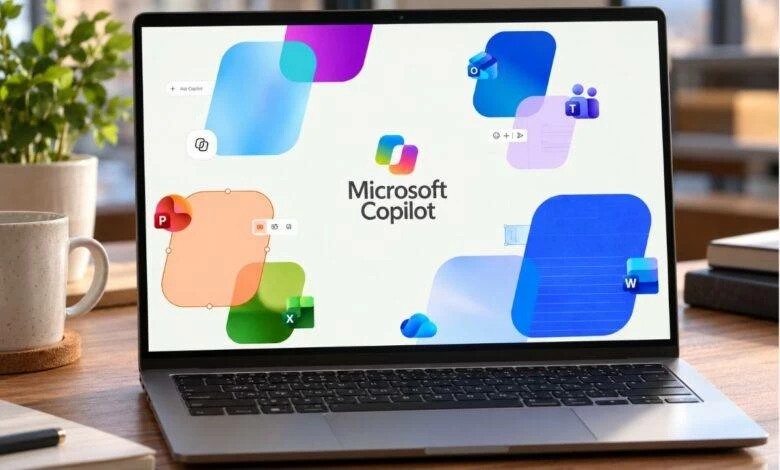
Microsoft has launched a redesigned version of its Copilot app, aiming to expand its capabilities beyond a simple chatbot. The new design combines AI, task execution, programming, and productivity tools into a single interface. This update comes after Microsoft unified two versions of the Copilot app, with previous reports suggesting the company's plans to develop a comprehensive app that integrates various AI and productivity services.
The updated Copilot app features three primary modes: Home, Code, and Autopilot. The Home mode serves as the main interface, combining conversational experience with Copilot Cowork, allowing users to delegate tasks to AI. Microsoft has also integrated Office applications, including Word, Excel, and PowerPoint, directly into the Copilot interface. This integration enables users to access these applications without leaving the app.
The Code mode focuses on programming, application development, and software management, utilizing technologies from GitHub Copilot. This mode allows users to create and execute software solutions within a secure environment. Autopilot, previously known as Scout, offers a different experience, relying on a continuous, proactive, and personalized AI agent that can perform tasks without requiring constant user input.
The redesign reflects Microsoft's efforts to transform Copilot from a conversation-focused tool to a comprehensive platform integrating AI, productivity, programming, and task execution. By combining Word, Excel, and PowerPoint, users can work on documents, spreadsheets, and presentations within the Copilot environment, leveraging AI-powered chat and task delegation capabilities.
Microsoft is not releasing all new Copilot features simultaneously, instead opting for a gradual rollout. The Code mode is expected to reach Frontier plan subscribers by the end of September, with wider availability to follow. Microsoft 365 Premium and Pro plans will receive a trial version of the experience later this year. The Scout feature, which forms the basis of Autopilot, is currently available in beta to a limited group of users.
To access the new Copilot features, users must be registered in the Frontier program and possess a GitHub Copilot license. This requirement ensures that the company can monitor and refine the app's capabilities before broader release. The updated Copilot app aims to provide users with a more streamlined and efficient experience, integrating multiple tools and services into a single platform.
The launch of the redesigned Copilot app demonstrates Microsoft's commitment to enhancing its AI capabilities and productivity tools. By integrating various features and services, the company aims to create a comprehensive platform that meets the diverse needs of its users. As the rollout of new features continues, users can expect to see further improvements and expansions to the Copilot app.
Key points
- Microsoft has released a redesigned version of its Copilot app, combining AI, task execution, and productivity tools into a single interface.
- The updated app features three primary modes: Home, Code, and Autopilot, each catering to different use cases.
- Microsoft is rolling out new Copilot features gradually, with the Code mode expected to reach Frontier plan subscribers by the end of September.