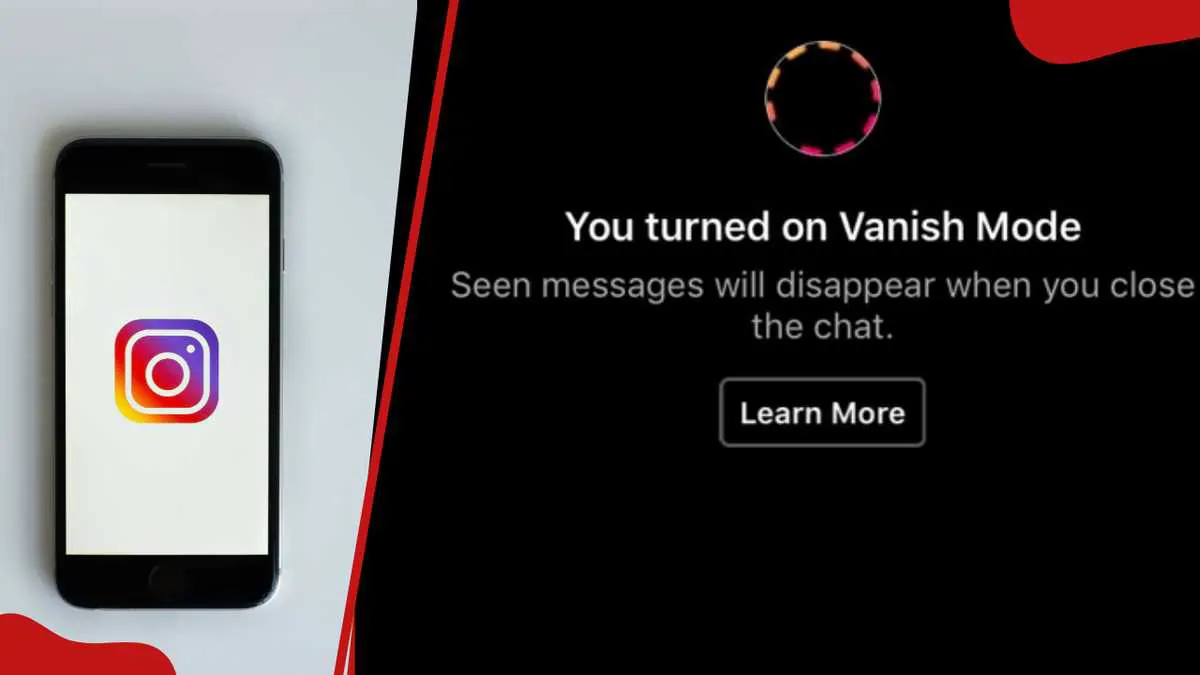
Vanish Mode on Instagram is a feature that allows users to send temporary messages in a chat that disappear after they have been seen and the chat is closed. Accidentally swiping into Vanish Mode means every message sent instantly disappears once the chat partner reads it and closes the conversation, leaving no record whatsoever. To turn it off, users can swipe up in the chat, which works on both Android and iOS. This feature must be turned off individually for each chat where it is enabled.
To recognise if Vanish Mode is active, users can look for a dark background and a message at the top of the screen indicating that they are in Vanish Mode. Many people turn it on by accident, because the same swipe-up gesture that scrolls a chat can also trigger it. Before turning it off, users must confirm that Vanish Mode is actually active. The Instagram app must be installed and updated on the user's iPhone or Android device, and an active internet connection is required.
The fastest and most reliable method to turn off Vanish Mode is by swiping up in the chat. This works identically on iPhone and Android. Users need to open the correct chat, navigate to the affected conversation inside the Instagram app, and tap on the chat to open it. Confirming that the chat has a dark background and a note reading "You're in Vanish Mode" ensures that the correct chat is selected.
To swipe and disable Vanish Mode, users place their finger at the very bottom edge of the chat screen, swipe up from the bottom, and release when they see "Release to turn off Vanish Mode." The dark background will switch back to normal, and Instagram will notify both users that Vanish Mode is off. On iPhone, users swipe up and release immediately, while on Android, they swipe up, hold briefly, then release.
If the swipe gesture does not work, users can turn off Vanish Mode via chat settings. Accessing the privacy settings, users open the chat where Vanish Mode is active, tap on the username or profile name at the top of the screen, tap on Privacy and safety, and then find the Vanish Mode toggle and switch it off. Once turned off, Vanish Mode will no longer be active in that chat, and any new messages will be saved like in a normal conversation.
After turning off Vanish Mode, users should know what happens to their messages. All messages sent while Vanish Mode was on will be gone for good, and users will not be able to see them again. However, after turning Vanish Mode off, any new messages sent will stay in the chat unless deleted. Vanish Mode does not delete messages that were sent before turning it on, but Vanish Mode messages cannot be recovered since they are not saved on the app or device.
Troubleshooting common issues with Vanish Mode includes swipe gesture not responding, chat background still dark after swiping, and only one person exiting Vanish Mode. Users can try swiping up slowly and holding for a second before releasing, closing and reopening the conversation, force-closing Instagram, or restarting their phone. Additionally, users can check for Instagram updates, clear the app's cache, or check chat settings closely to resolve these issues.
Key points
- Vanish Mode must be turned off individually for each chat where it is enabled.
- Users can turn off Vanish Mode by swiping up in the chat or via chat settings.
- Vanish Mode messages cannot be recovered once they are sent and the chat is closed.