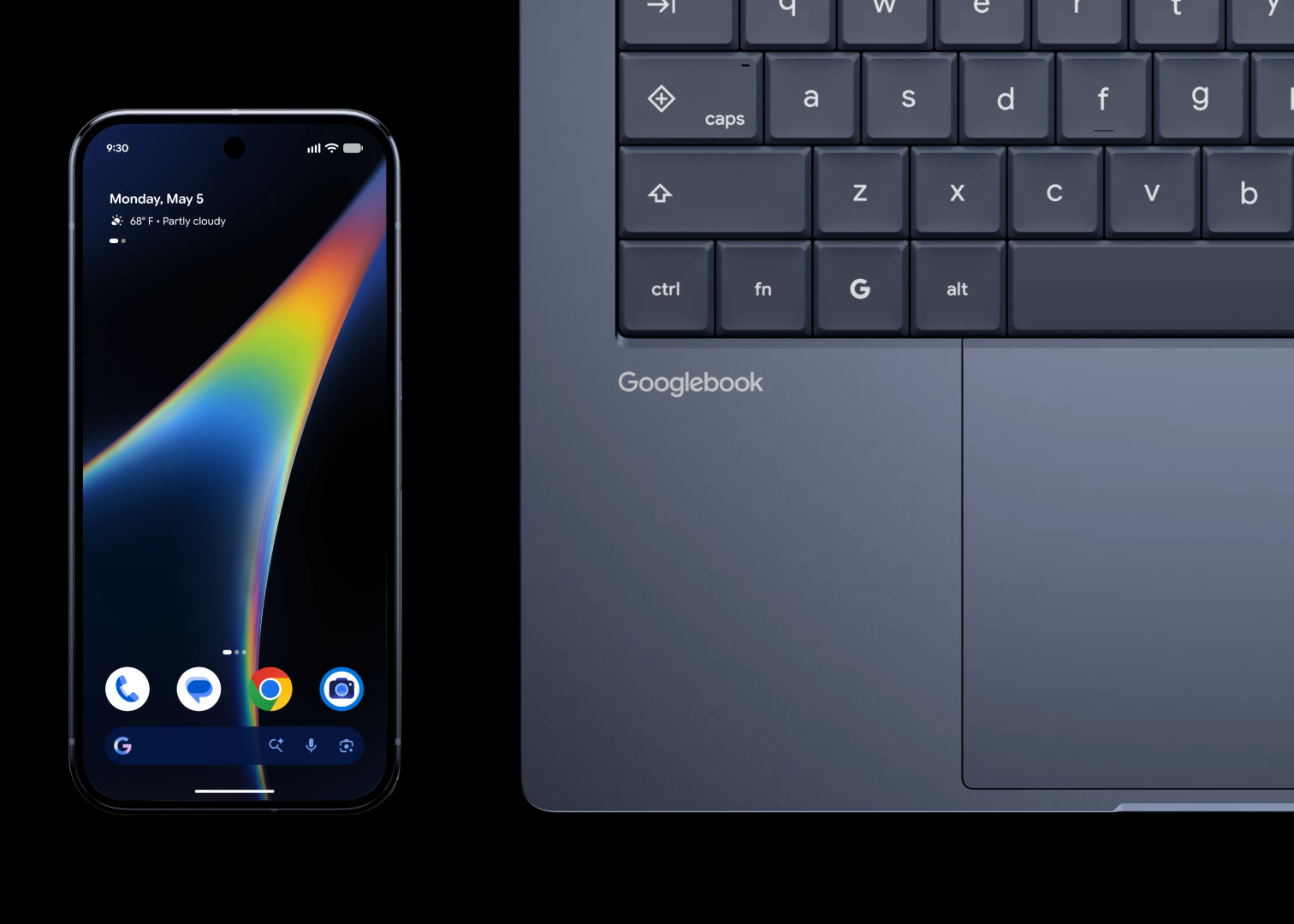
Googlebooks, the Android-based laptop line launched on 4 October, has introduced an official support page that permits developers and advanced users to unlock the device's bootloader. This new feature allows users to gain more control over their devices, but it comes with a warning that the process erases all data on the device and may void the warranty. According to the support page, Google does not provide support for problems that arise after modification.
The unlocking steps for Googlebooks mirror those used on Pixel phones. Users enable OEM unlocking in Developer Options, boot into recovery via a hardware-button combination, and follow on-screen instructions. However, beyond these high-level steps, the support page provides no further details, leaving the full procedure undocumented for the public. This lack of detailed documentation may limit the adoption of the bootloader unlock feature among less experienced users.
John Wu, the developer of the Magisk rooting tool and a Google employee, announced on X that a Magisk build for Googlebooks will be released in the coming days. Wu confirmed that the unlocking mechanism behaves like that on existing Pixel devices. This news is likely to be welcomed by developers and advanced users who have been waiting for a similar feature on Googlebooks.
However, there is a current limitation to the bootloader unlock feature. According to Wu, flashing firmware over USB requires specialized cables, meaning standard USB connections cannot be used for fastboot operations yet. This limitation may cause some inconvenience for users who are used to using standard USB connections for such operations.
Googlebooks runs most Android apps without issue, but Intel-based models may encounter compatibility problems with a few complex apps. Although Google has not quantified this gap, it is likely to be a concern for users who rely on these apps. The company has not tested or guaranteed the operation of alternative operating systems such as Windows 11 on the platform.
On the other hand, Googlebooks provides a built-in Terminal app that offers a full Linux environment in a virtual machine without needing to unlock the bootloader. This feature is likely to be attractive to developers and users who need to run Linux-based tools and applications on their devices.
In summary, the introduction of the official bootloader unlock feature for Googlebooks is a significant development for developers and advanced users. While it comes with some limitations and warnings, it provides more flexibility and control over the device.
Key points
- The bootloader unlock feature erases all data on the device and may void the warranty.
- The unlocking mechanism behaves like that on existing Pixel devices.
- Flashing firmware over USB requires specialized cables.