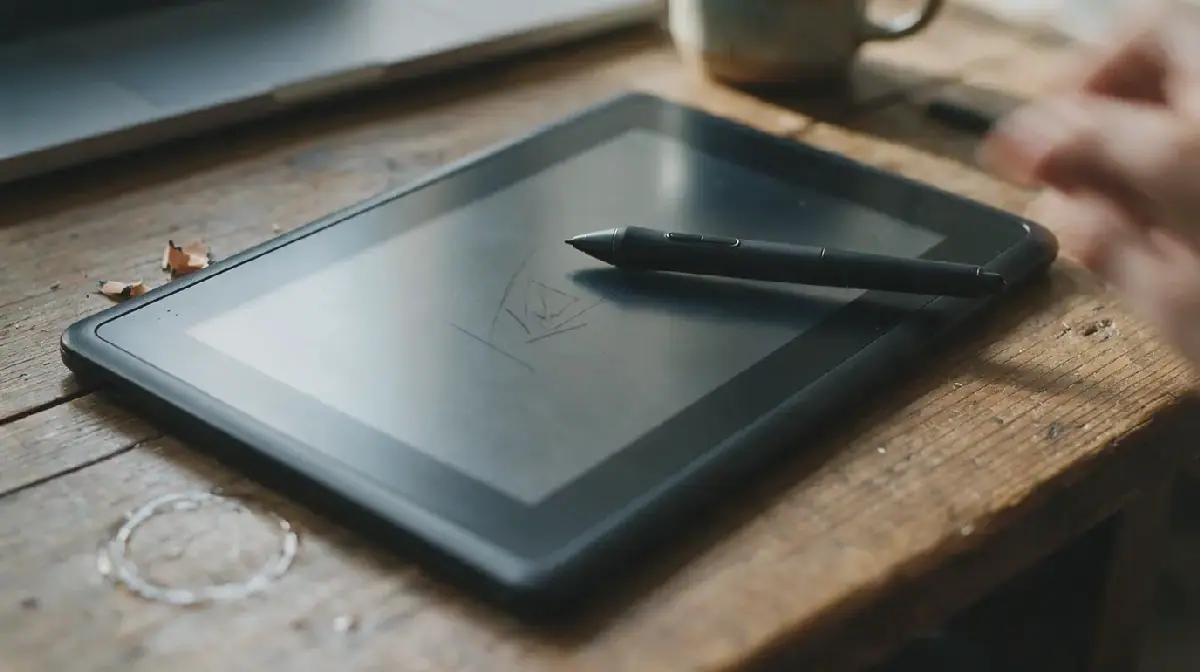
Choosing a drawing tablet can be a daunting task, especially with the numerous options available in the market. To make an informed decision, it's essential to understand the different types of drawing tablets and their characteristics. Drawing tablets can be broadly categorized into three main types: graphic tablets without a screen, graphic tablets with a screen, and autonomous tablets. Each type has its unique features, advantages, and disadvantages. Understanding these differences is crucial in selecting a tablet that meets your needs and budget.
Graphic tablets without a screen, such as Wacom Intuos, are connected to a computer and require a separate monitor to display the artwork. These tablets offer high precision at an affordable price but may require an adjustment period since the user's hand is not visible while drawing. Graphic tablets with a screen, on the other hand, have an interactive display that allows users to draw directly on the screen, providing a more natural and comfortable experience. However, these tablets are more expensive and often require a computer connection. Autonomous tablets, also known as hybrid tablets, function independently without a computer and have their own operating system.
When selecting a drawing tablet, several technical criteria must be evaluated to ensure comfort and precision. The size of the active area is crucial, as a larger surface provides more space for gestures, while a compact format facilitates mobility. Resolution, measured in Lines Per Inch (LPI), affects the fineness of lines and image quality. Pressure sensitivity is another key factor, with higher levels allowing for more variation in line thickness and intensity. The report rate, measured in RPS or Hz, impacts the fluidity of the drawing. A tablet with a battery-free stylus and high precision is ideal for a comfortable experience.
The budget for a drawing tablet depends on the user's level, needs, and type of device. Entry-level models start at around €50-€100, suitable for beginners or occasional use. Mid-range tablets with a screen typically cost between €200-€600, offering a more intuitive experience and accurate colorimetry. High-end tablets, such as iPad Pro or Galaxy Tab, can range from €800 to over €1,500, providing a powerful device, high-quality display, and versatility for drawing, photo editing, and multimedia use.
To get the most out of a drawing tablet, it's essential to configure the workspace correctly. A well-organized space helps maintain a natural posture, adjust stylus sensitivity, and set up express keys for efficient workflow. Calibrating the surface, especially on tablets with a screen, ensures optimal alignment between the stylus and cursor. Choosing the right drawing software is also crucial, with options like Krita, Clip Studio Paint, or Adobe Fresco offering optimized brushes for pressure and inclination.
The compatibility of the drawing tablet with favorite creative software and the computer or autonomous tablet's operating system is vital. Users should explore software settings to adapt the interface to their workflow. Learning to use a drawing tablet requires some setup and experimentation, but these essential steps enable users to progress quickly and fully utilize their device's capabilities.
By understanding the different types of drawing tablets, technical criteria, and budget considerations, users can make an informed decision when selecting a drawing tablet. With the right device and software, users can unlock their creative potential and produce high-quality artwork. Key factors to consider include the type of tablet, technical specifications, and budget.
Key points
- Understanding the different types of drawing tablets
- Evaluating technical criteria for comfort and precision
- Determining a suitable budget for a drawing tablet
Reporting sources
- Tablette pour dessiner : comment choisir la meilleure ? · itmag-dz.com