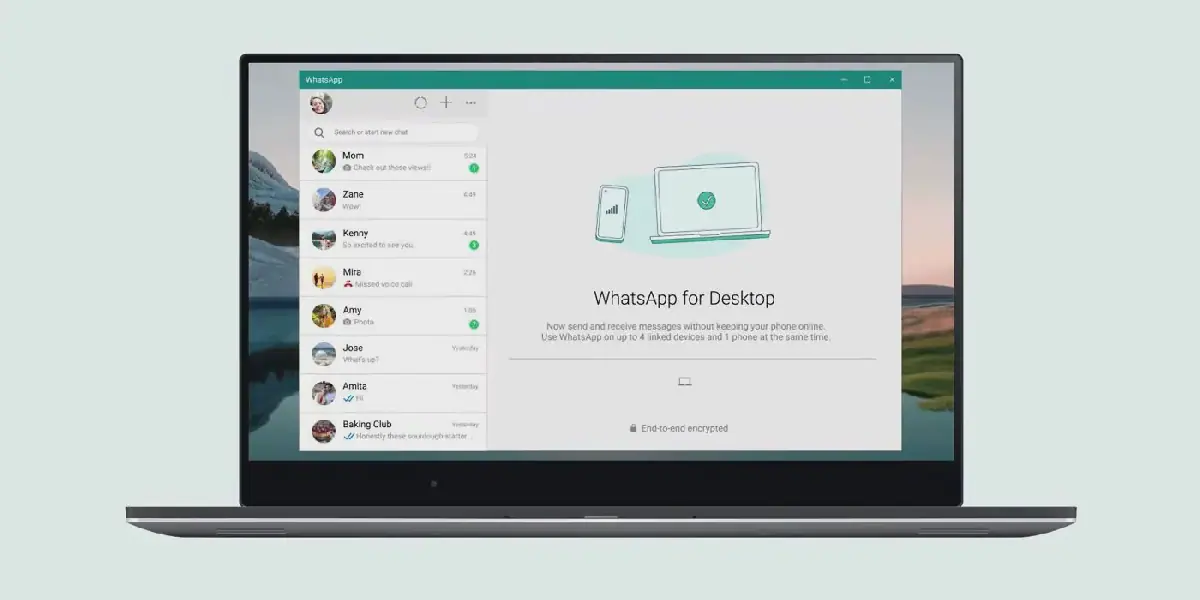
For individuals who frequently work on their laptops while their phones charge elsewhere, receiving a WhatsApp message can be inconvenient. However, WhatsApp users can now link their accounts to laptops and desktop computers, enabling them to manage conversations and perform various tasks without needing their phones. This feature allows users to send and receive messages, share files, make calls, and view status updates directly from their computers.
To connect WhatsApp to a computer using WhatsApp Web, users can follow a simple step-by-step process. First, they need to open a web browser such as Google Chrome, Edge, or Firefox and navigate to web.whatsapp.com. On the webpage, a QR code will be displayed. Next, users need to open WhatsApp on their phones, access the menu or settings, and tap on "Linked Devices" and then "Link a Device." After unlocking their phone, users can point their camera at the QR code on their laptop screen, and their chats will appear within seconds.
WhatsApp Web offers a range of features, including sending and receiving messages, sharing photos, videos, and documents, viewing status updates, creating groups, searching chats, and archiving conversations. Additionally, users can make and receive voice and video calls directly from their browsers. This feature was announced by Meta on July 2026, and it allows users to access call history, screen sharing, and reactions. To make a call, users can open an individual conversation and click the telephone icon for a voice call or the video camera icon for a video call, provided their computer has an internet connection, microphone, and camera.
Another option for connecting WhatsApp to a computer is by downloading and installing the WhatsApp Desktop App. Users can download the app for Windows or Mac from whatsapp.com/download and link it to their account by scanning the QR code. The app offers more features than WhatsApp Web, including stable voice and video calls, stronger notifications, and faster performance when managing multiple chats. However, it requires storage space and periodic updates.
One of the advantages of WhatsApp Web is its speed and convenience, as it does not require a download and can be used on any computer, including public computers. However, it has some limitations, such as not supporting voice and video calls initially and logging users out if they clear their browser cache. In contrast, the WhatsApp Desktop App offers more features but requires storage space and updates.
WhatsApp allows users to link up to four devices to their account simultaneously, in addition to their primary phone. This means users can have their laptop, office computer, tablet, and another device all connected and working together. Notably, the primary phone does not need to stay online once the devices are linked, but users must log into WhatsApp on their primary phone at least once every 14 days to keep the linked devices connected.
Overall, connecting WhatsApp to a laptop or computer offers users more flexibility and convenience in managing their conversations and tasks. With either WhatsApp Web or the WhatsApp Desktop App, users can stay connected and productive without constantly needing their phones. By following the simple step-by-step process, users can link their accounts and enjoy the benefits of a larger screen and more features.
Key points
- WhatsApp allows up to 4 linked devices at the same time, plus the main phone.
- WhatsApp Web does not require a download and can be used on any computer.
- The WhatsApp Desktop App offers stable voice and video calls, stronger notifications, and faster performance.
Reporting sources
- techweez.com · techweez.com