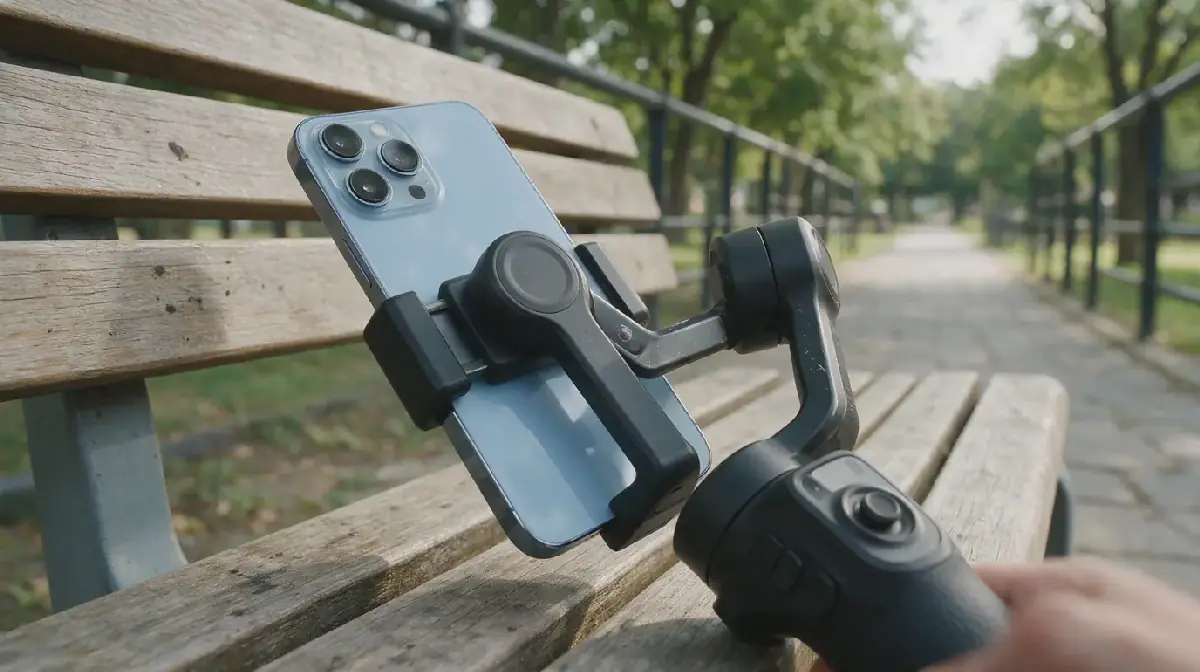
When it comes to capturing smooth video footage on an iPhone, a stabilizer can make all the difference. Despite recent iPhone models featuring improved built-in stabilization, external stabilizers offer more precise control and smoother movements, especially during dynamic scenes. An iPhone stabilizer helps reduce natural hand tremors and provides a more stable shot, allowing for creative freedom and professional-grade video. With various options available, it's essential to understand the role of a stabilizer and how to choose the best one for your needs.
iPhone stabilizers work by mechanically stabilizing the device using motors, allowing for smooth panning, tilting, and tracking shots. This is particularly useful when filming while walking, running, or performing quick movements. While iPhone's built-in optical image stabilization (OIS) and electronic image stabilization (EIS) are effective, they have limitations. OIS compensates for micro-shaking using a physical module in the lens, while EIS corrects vibrations through software processing. However, these technologies can struggle with more intense movements, making an external stabilizer a valuable investment for achieving professional-looking video.
Before investing in an external stabilizer, it's crucial to understand and utilize the built-in stabilization features on your iPhone. Recent models have automatic stabilization enabled in most video modes. To verify this, open the camera app, switch to video mode, and access the settings. Features like "Smooth Video" or "Action Mode" can enhance stabilization during fast-paced scenes. To optimize built-in stabilization, hold the iPhone with both hands, bend your arms slightly, and anticipate your movements. By combining these techniques with an external stabilizer, you can achieve exceptionally smooth footage.
When selecting an iPhone stabilizer, several key criteria must be considered. Compatibility is vital, ensuring the stabilizer can support the size and weight of your iPhone model, especially if you use a case or additional accessories. The stabilizer's load capacity should also be taken into account to prevent vibrations and maintain optimal stabilization. Other essential features include automated subject tracking, smooth panning modes, and programmable timelapses. These functionalities can elevate your video content and provide more creative control.
Autonomy and ergonomics are also crucial factors when choosing an iPhone stabilizer. A model with several hours of continuous use is ideal, especially for outdoor filming. A comfortable grip, well-placed buttons, and easy balancing can significantly reduce fatigue during extended shoots. Popular iPhone stabilizer models, such as the DJI Osmo Mobile, Zhiyun Smooth, and Hohem iSteady, offer a range of features and benefits. These models are known for their reliability, advanced features, and user-friendly designs.
The DJI Osmo Mobile, for instance, features a three-axis gimbal, precise automated subject tracking, and a comprehensive app. The Zhiyun Smooth offers an excellent balance of quality and affordability, providing reliable stabilization without excessive features. The Hohem iSteady stands out for its lightweight design and extended battery life, making it suitable for outdoor shoots. When choosing a stabilizer, ensure it supports your iPhone's size and weight, especially if you use additional accessories.
Ultimately, selecting the right iPhone stabilizer depends on your specific needs, including desired level of smoothness, autonomy, creative features, and ease of use. By understanding the limitations of built-in stabilization, evaluating essential criteria, and comparing recommended models, you can find the perfect tool to enhance your video's stability, professionalism, and visual impact. With the right iPhone stabilizer, you can take your mobile filmmaking to the next level and produce high-quality content.
Key points
- Understanding the role of an iPhone stabilizer and its benefits
- Evaluating key criteria for selecting the best iPhone stabilizer
- Popular iPhone stabilizer models and their features
Reporting sources
- Stabilisateur iPhone : comment choisir le meilleur modèle ? · itmag-dz.com