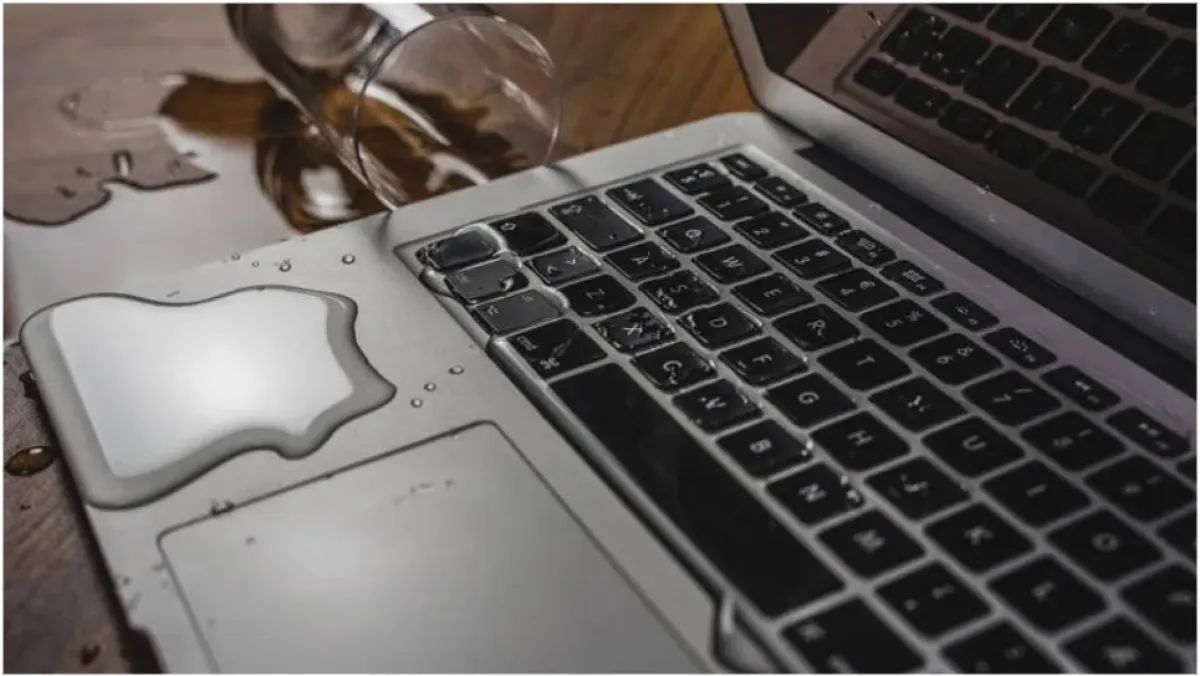
When a liquid spill occurs on a laptop, the situation can quickly turn from minor to major if not handled properly. The first and most crucial step is to immediately cut off power to the device to prevent short circuits and damage to internal components. This involves turning off the computer, unplugging it from the power source, and removing the battery if possible. Algerian tech experts stress that quick action is essential to minimize damage.
After turning off the device, the next step is to carefully clean the exterior and remove any visible liquid. This can be done using a dry cloth or an absorbent material, taking care not to press too hard on the keyboard or other areas. Experts from iFixit, a well-known repair website, recommend tilting the computer to allow any trapped liquid to drain out. It's essential to handle the device with care to prevent the liquid from spreading to other areas of the circuit board.
The type of liquid spilled also plays a significant role in determining the extent of the damage. Water, for instance, may evaporate relatively quickly, but it can still leave behind minerals and salts that can cause corrosion on electronic components. On the other hand, liquids like coffee, soda, or juice, which contain sugar and other solids, can leave behind stubborn residues that complicate the cleaning process and increase the risk of damage.
One common piece of advice often given is to place the computer in a container of rice to absorb moisture. However, iFixit warns against this method, stating that rice cannot remove contaminants or residues left behind by the liquid and may even introduce dust or particles into the device. Instead, experts emphasize the importance of addressing the liquid that may have penetrated the internal components, especially if the spill was significant.
Another common misconception is that using a hair dryer or other heat source can help speed up the drying process. However, experts caution against this approach, as directing heat at the device can cause further damage to sensitive internal components. If the user is experienced and equipped to do so, carefully opening the device and inspecting and cleaning the affected components may be an option. However, for many users, especially with modern devices that have complex designs, seeking professional help is the safest course of action.
Even if the computer appears to be functioning normally after a liquid spill, it's essential to be aware that damage may still occur. Experts warn that corrosion can continue to develop after the incident, and problems may arise days or even weeks later, especially if residues or minerals remain on the circuit board. In such cases, having the device inspected and cleaned by a professional can be a wise precaution, especially if the spill was significant or involved sugary or corrosive substances.
Major tech companies, including Apple and Dell, also provide guidance on dealing with liquid damage. According to Apple, damage caused by liquids is not covered under its standard warranty, and Dell notes that liquid spills can cause a range of problems, including damage to the motherboard, keyboard, and storage devices. By taking prompt and informed action, computer users can minimize the risk of damage and potentially save their device from costly repairs.
Key points
- Acting quickly to turn off the computer and cut off power can help minimize damage from liquid spills.
- The type of liquid spilled plays a significant role in determining the extent of the damage.
- Seeking professional help may be the safest course of action for users who are unsure about how to proceed.